
Furniture
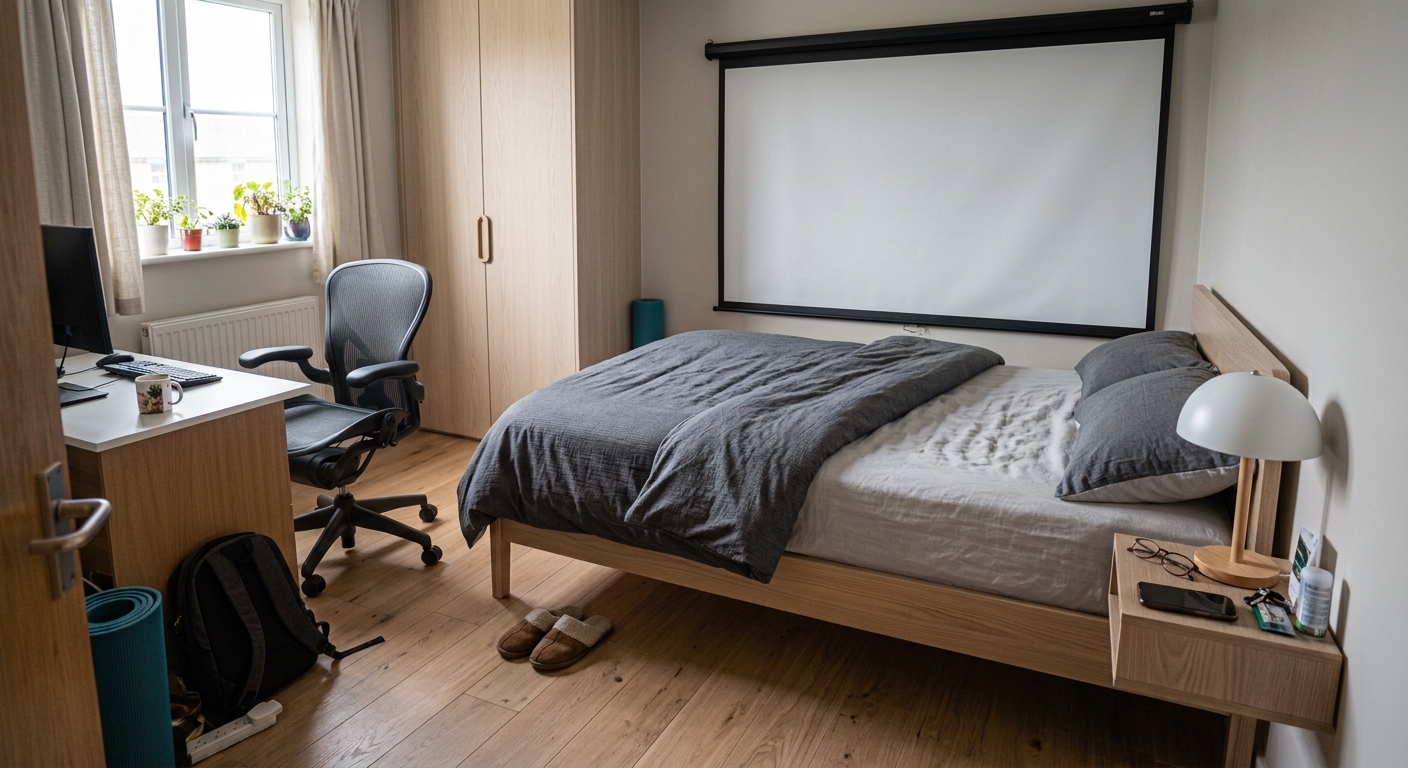
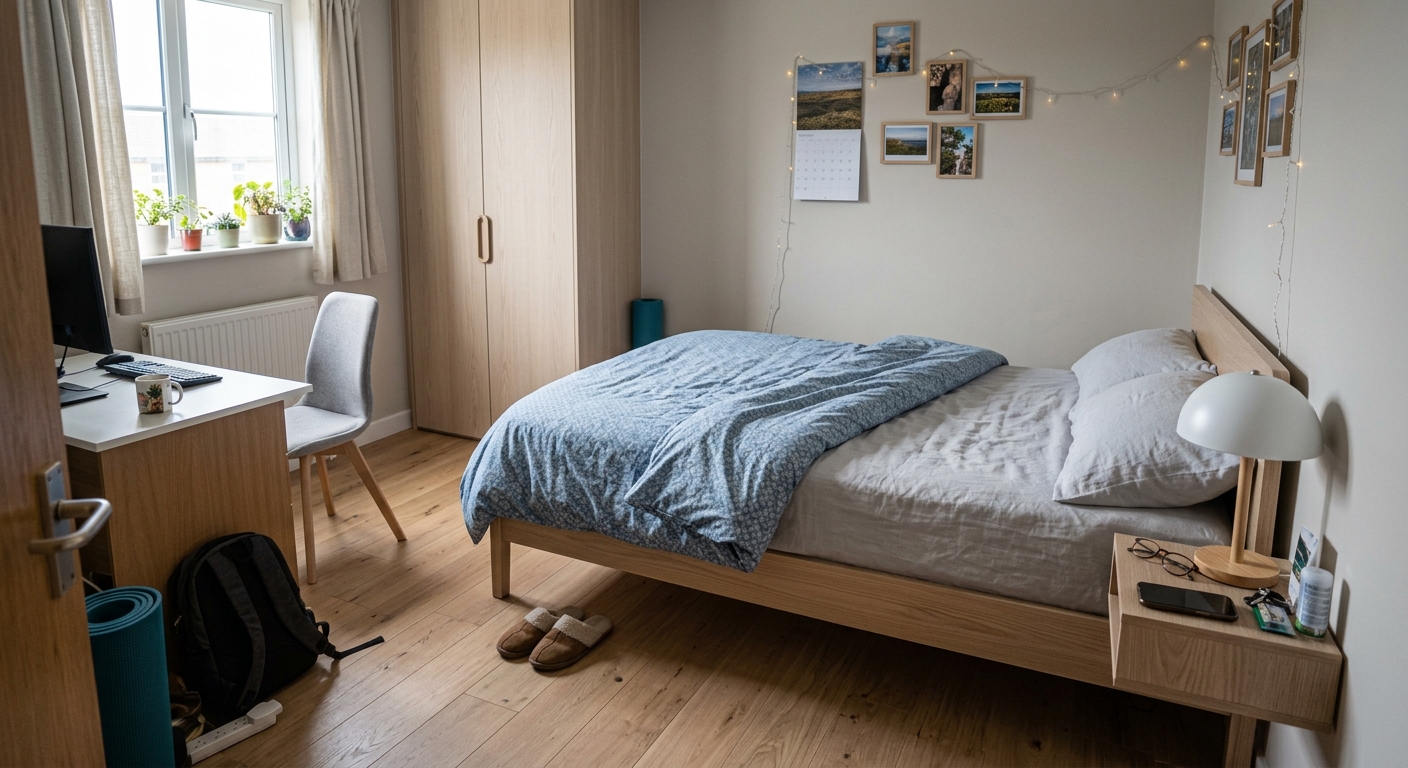
A sofa, a wardrobe, a desk — placed where you asked, at the size it really is.
RoomPlanner puts any product you have a picture of — photographed in the shop or saved from an online catalogue — into a real photo of your own space, in your own light, and in the right scale once you add a floor plan.
How it works
Two to four views of the whole room, plus any corner you care about — the bay window, the wall by the door. Give each one a name and a note. Every frame is checked for sharpness before it counts.
Walk around the room once and the plan draws itself: walls, windows, doors and openings, with the width, length, height and floor area filled in. A photo is enough for a try-on — the plan is what keeps it to scale.
Snap the sofa in the shop, save the photo from an online catalogue, or pick one you already have. Give it a name — “oak laminate”, “grey linen sofa” — and reuse it in any room.
Write it the way you would say it: “against the left wall, opposite the window.” If the room has a floor plan, it goes into the request, so the item lands in scale.
What you can try on
Photograph it in the shop, or save the image straight from an online catalogue — a screenshot of a listing works just as well. One picture of the thing, one sentence about where it goes — or no picture at all: “paint the walls warm beige”, “clear the clutter off the desk”. With a floor plan, it is placed to scale rather than pasted.
A sofa, a wardrobe, a desk — placed where you asked, at the size it really is.
Laminate, parquet, tile. See the plank running under your own furniture, not on a showroom floor.
Fabric on your window, in your daylight, at your ceiling height.
A colour from a photo of a swatch, put on the walls you actually have.
The roll from the shop, on your own wall — pattern, scale and all.
A pendant, a floor lamp, a wall light — seen in your room before you drill a single hole.
Pictures, mirrors, plants, rugs — the small things that make a room, tried before they come home.
Even the smallest swap. New handles on the doors you already have.
These are only examples. If you can photograph it or put it into words, you can try it.
Measurements
So RoomPlanner can keep a real floor plan next to it: walls with their lengths, window and door openings with their heights, and the furniture already standing there. Add one, and all of it goes into every render — which is why the new sofa fits the wall instead of swallowing it.
Your call, every time
Pick the view that matters and say what to change. Like it? Make the next change on top — the floor first, then the sofa, then the curtains — until it looks like the room you have in mind.
Every try-on comes with AI tips: what something similar costs in your currency, how much material you will need, how it goes up. Double-check the measurements before you buy.
Accept a result and it becomes the base for your next change. Reject it and the original photo of your room is untouched. Every try-on comes in two options — keep the one you like best.
Why this one is different
We work from a photo taken in your own room — and, if you add one, a measured plan of the walls it was taken in. The result keeps your window, your floor and the furniture already standing there, and adds the one thing you are thinking of buying — at the size it really is. Want it beautiful too? Say so in your own words — “Scandinavian”, “warm and cosy”, “like a magazine shoot” — and the style changes while your room stays your room.
Questions
iOS 17 or later. On any device with a depth sensor the app measures the room by itself — no tape measure, no typing dimensions in: that means the iPhone 12 Pro and 12 Pro Max and every Pro model since, and the iPad Pro from 2020 onwards. On any other device everything else still works, you just draw the floor plan in the editor instead, and end up with the same kind of room.
Usually 15 to 20 seconds for one photo. Like what you see? The next change can start right from it.
With a floor plan, the measurements come from the scan or from the plan you drew, so they are as good as that. Without one, size is judged from the photo itself. The picture is an AI render — a very good preview of how something will sit in your room, not a photograph of the future.
The app is free to download, and there is a monthly or a yearly subscription — both start with the same free three-day trial. Current prices are shown in the App Store, and you cancel from your Apple ID at any time.
On your iPhone. They are uploaded only while a try-on is being rendered, kept in your own private folder, and deleted together with the room or the account whenever you say so.
Yes. Each accepted change is saved as a dated entry, and the next try-on starts either from that result or from your untouched original photo.
Photograph the room once, and every shop — and every product page — becomes a fitting room.

Free to download, with a free three-day trial. Cancel any time from your Apple ID.